How to Check If an Email Is a Scam: The Header Test
A scam email is designed to be read in three seconds, because that is how long it takes to see a familiar logo and a familiar name. The display name is free text; anyone can set it to anything. The only parts of an email that are hard to fake are the real sending address and the authentication results buried in the headers. Learning to read those two things turns a judgement call into a check.
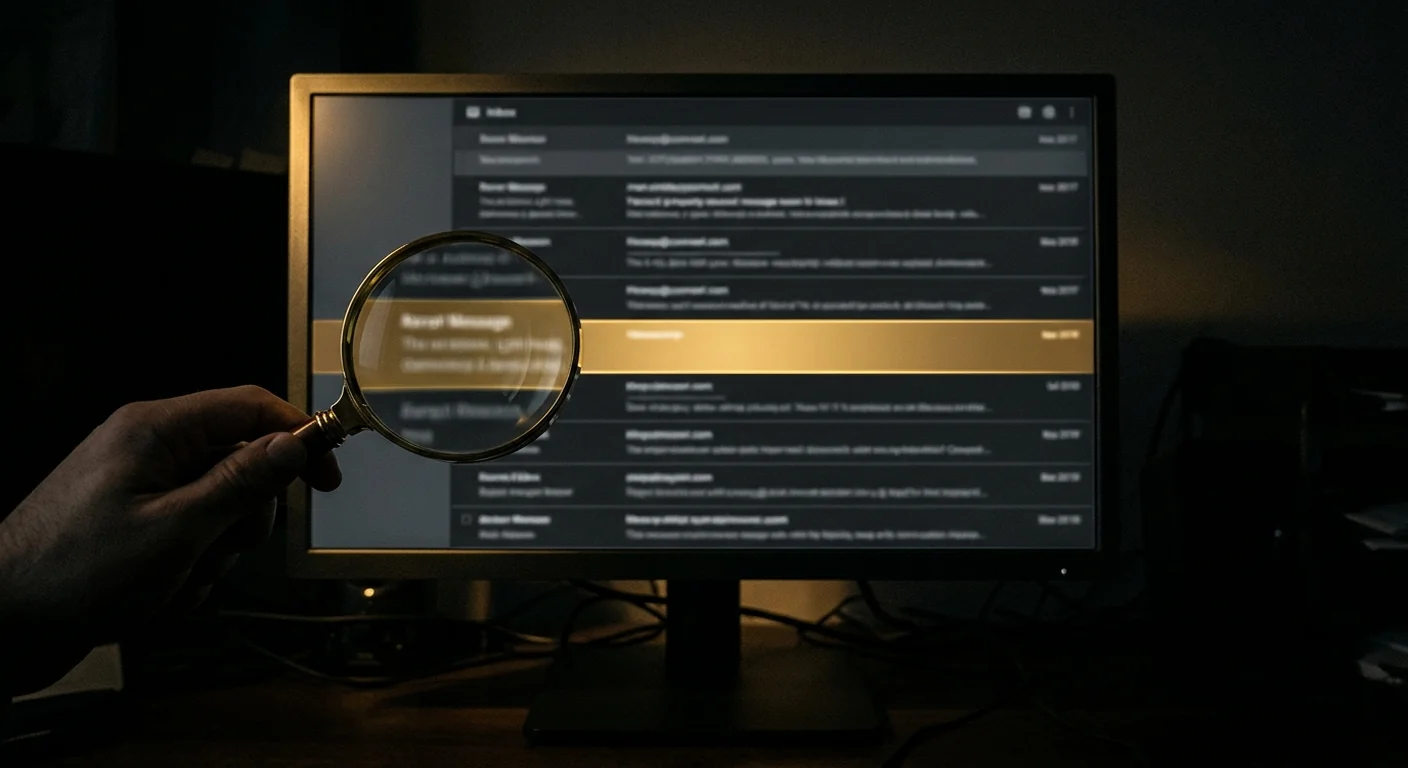
The display name is a label, not an address. "PayPal Service" can be typed by anyone. The address after the @ is the part that costs a fraudster something.
The Short Version
- Ignore the display name. Expand the sender to see the real address after the @.
- Read the domain right to left: the part immediately before the first single slash is the real domain.
- Open the full headers and look for SPF, DKIM and DMARC results. A "fail" on all three is decisive.
- Hover every link and read the real destination before clicking. The visible text is not the destination.
- If you already clicked or entered details, change that password now and enable two-factor authentication.
Why the Display Name Proves Nothing
An email has two sender fields. The display name is a free-text label, and the address is the actual mailbox. Most mail clients show only the display name, which is why a message can appear to come from "Chase Fraud Alert" while the real address is something entirely unrelated.
On a phone, tap the sender name to expand it. On desktop, hover over it. What you are looking for is the text after the @ sign. That is the only part a fraudster has to work to control, and it is where the tells live.
paypal.com.security-check.xyz, the real domain is security-check.xyz, not paypal.com. The brand name is just a subdomain, and subdomains are free.Reading the Domain: The Tells
Once you can see the real domain, the tells are consistent.
| What you see | What it means |
|---|---|
paypal.com.verify-account.xyz | Real domain is verify-account.xyz. Fraud. |
paypa1.com or paypaI.com | Digit-for-letter substitution. Fraud. |
paypal-secure.com | Hyphenated lookalike. Fraud. |
paypal.com | Correct domain. Still check the headers, because the account may be compromised. |
A free mail domain (@gmail.com) claiming to be a bank | No bank sends from a free mailbox. Fraud. |
A correct domain is necessary but not sufficient. A compromised legitimate account sends from the real domain, so the header check below still matters.
The Header Test: SPF, DKIM and DMARC
Every email carries authentication results that most clients hide. These three checks are the closest thing to a proof of origin.
- SPF checks whether the sending server was allowed to send for that domain.
- DKIM is a cryptographic signature that proves the message was not altered in transit.
- DMARC ties the two together and tells the receiver what to do when they fail.
To see them, open the message and choose "Show original" (Gmail), "View source" (Outlook), or "Show headers". Search for Authentication-Results. A line reading spf=fail dkim=fail dmarc=fail is decisive: the message did not come from the domain it claims.
A pass is not a guarantee of good intent, because a compromised real account passes all three. But a fail is a reliable signal of fraud.
Checking the Links Without Clicking
The visible link text and the real destination are different things, and the gap between them is where the trick lives.
- Hover, do not click. The real URL appears in the status bar or a tooltip.
- Read the destination right to left, the same way you read the sender domain.
- Watch for URL shorteners (bit.ly, tinyurl, and similar). A legitimate bank does not hide its destination.
- Never open an attachment you did not expect, especially HTML files, which are often fake login pages.
If You Already Clicked or Entered Details
Act in this order. The first ten minutes matter most.
- Change that password immediately, from a device you trust, and change it anywhere you reused it.
- Turn on two-factor authentication on the account, using an app rather than SMS if possible.
- Check for forwarding rules the attacker may have added to your mailbox.
- If you entered card details, call the issuer and ask for the card to be replaced.
- If you entered a code, treat the account as compromised and review recent activity.
If the link in the email led to a payment page, avoiding a scam website before you pay is the checklist that should have run first.
Reporting the Email
| Where | How |
|---|---|
| Your mail provider | Use "Report phishing" so the message trains the filter |
| The impersonated brand | Most banks have a phishing@ address; forward the message there |
| FTC | ReportFraud.ftc.gov for the consumer record |
| IC3 | ic3.gov if money was lost |
| APWG | [email protected] aggregates phishing reports |
Forward the message as an attachment where possible, so the headers travel with it.
The Patterns That Recur
- Urgency and a deadline. "Your account will be closed in 24 hours."
- A request to verify or confirm. Real institutions do not ask you to confirm your own details by email.
- A payment or invoice you were not expecting, especially with changed bank details.
- A generic greeting when the sender claims to know you.
- An attachment that asks you to log in. No legitimate document needs your password.
Making Yourself a Harder Target
- Use a password manager so a stolen password cannot be reused elsewhere.
- Turn on two-factor authentication everywhere, preferring an authenticator app over SMS.
- Never act on bank details from an email; call the number you already have.
- Treat any unexpected attachment as hostile until proven otherwise.
Questions people ask
How can I tell if an email is a scam?
Expand the sender to see the real address after the @, and read the domain right to left. Then open the full headers and check the Authentication-Results line for SPF, DKIM and DMARC. A fail on all three is decisive. Hover every link to see the real destination before clicking.
What does it mean if SPF, DKIM and DMARC all fail?
It means the message did not come from the domain it claims to be from. That is a reliable sign of fraud. A pass is not a guarantee of good intent, because a compromised legitimate account passes all three, but a fail is a strong signal.
I clicked the link but did not enter anything. Am I safe?
Usually yes, but not always. Some links load a page that exploits your browser, and some track that you are active. Close the tab, run a malware scan, and if the page asked for a login, change that password anyway as a precaution.
I entered my password. What should I do first?
Change that password immediately from a device you trust, and change it anywhere you reused it. Turn on two-factor authentication, check your mailbox for forwarding rules the attacker may have added, and if you entered card details, call the issuer to replace the card.
Where do I report a scam email?
Report it to your mail provider using the phishing option, forward it to the impersonated brand's phishing address, and file with the FTC at ReportFraud.ftc.gov. If money was lost, also file at ic3.gov. Forward the message as an attachment so the headers travel with it.
Check the address before you send anything
A free scan reads public chain data in your browser: balance, activity, counterparties and flags. No wallet connection, no seed phrase, no signup.
Primary sources and further reading
- Federal Trade Commission — official guidance on recognising and reporting phishing
- CISA — the US cybersecurity agency's phishing recognition guidance
- Anti-Phishing Working Group — the industry body that aggregates phishing reports
- FBI Internet Crime Complaint Center — federal reporting when a phishing email leads to a loss
Related guides
Information only. We never promise recovery.