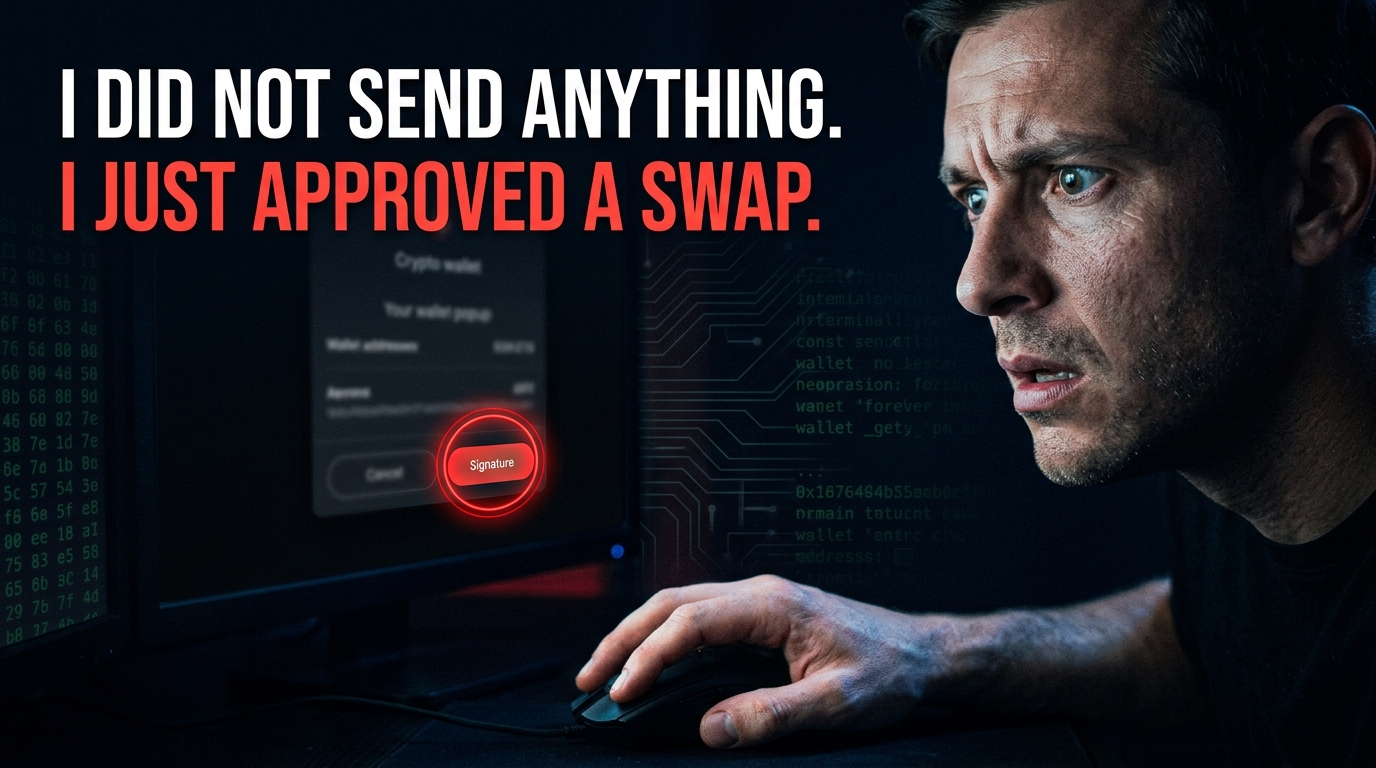
Wallet Approval Scam Prevention: Stop the Permission Trap
An approval is a permission, not a payment, and an unlimited approval can move everything you hold. Here is how approvals are abused, the four moments it becomes visible, and the ten-minute fix.
Wallet Approval Scam Prevention: The Ten-Minute Fix
- An approval is a permission, not a payment, and an unlimited approval can move everything you hold.
- Approvals do not expire, and they can be used at any time without another signature.
- Four moments make the abuse visible, and the earliest is an approval amount you did not read.
- The fix is a ten-minute review and revoke, repeated every quarter.
- If an approval has been used, revoke it first and move the remaining assets second.
An approval is a permission you grant to a contract to move a token on your behalf. It is not a payment, and it does not move anything at the moment you sign it. That is exactly why it is dangerous: the permission sits there, unused, until someone decides to use it.
This tutorial covers how approvals are abused, the four moments where it becomes visible, and the ten-minute fix. The fix is a review and revoke, and it is the highest-value five minutes in wallet hygiene.
What an Approval Actually Is: Approval Scams Basics
An approval is a standing permission. When you approve a contract to spend a token, you are telling the token's contract that this address may move your balance. The permission persists until you revoke it.
The amount matters more than anything else. An approval for a specific amount is limited; an unlimited approval is not, and it can be used to move your entire balance of that token at any time.
| Type | What it permits |
|---|---|
| A specific amount | A contract may move up to that amount |
| An unlimited amount | A contract may move your entire balance, at any time |
| A permit signature | An approval granted without a separate transaction |
| A setApprovalForAll | A contract may move all of your NFTs |
| A time-limited approval | A contract may move funds until a deadline |
An unlimited approval is the most dangerous permission in crypto. It can be used at any time, without another signature, and it does not expire.
How approvals are abused
The abuse is simple. A site asks you to approve a token as part of a swap, a stake or a claim, and the approval is unlimited. The site works normally, and the approval sits there.
Months later, the contract is used to move your balance. There is no further prompt, no signature and no warning, because the permission was already granted.
| Stage | What happens |
|---|---|
| 1 | A site asks you to approve a token to complete an action |
| 2 | The approval is unlimited, and the action completes normally |
| 3 | The approval sits unused, sometimes for months |
| 4 | The contract is used to move your balance |
| 5 | No further prompt or signature is required |
| 6 | The funds are moved on within minutes |
There is no further prompt when an approval is used. The permission was granted months earlier, and the transfer requires nothing from you.
The Four Moments a Approval Scams Scam Becomes Visible
There are four points where the abuse becomes visible, and each one is checkable. Most victims see at least two of them and explain them away, because the site is designed to make each one feel like a normal step.
The moments are ordered by how early they appear. The first two usually arrive before any approval is granted.
| Moment | What you see | What it means |
|---|---|---|
| The approval prompt | An amount you did not read | The permission may be unlimited |
| The site's behaviour | It asks for an approval for a simple action | The approval is the point, not the action |
| The approval list | Contracts you do not recognise | Permissions you have forgotten |
| The balance change | Tokens leave without a prompt | An approval has been used |
Read the approval amount in the prompt. An unlimited approval is the single most dangerous thing you can sign, and the prompt tells you when you are about to.
The ten-minute fix
The fix is a review and revoke, and it takes ten minutes. It is the highest-value five minutes in wallet hygiene, because an unlimited approval to a contract you no longer use is a standing invitation.
The routine is to list every approval, revoke anything you do not recognise, and revoke anything unlimited that you no longer actively use.
- 01Open a reputable approval manager and connect the wallet you use for interacting with sites.
- 02List every approval, sorted by the spender address.
- 03Revoke anything you do not recognise.
- 04Revoke anything unlimited that you no longer actively use.
- 05Revoke approvals granted to contracts from sites you have stopped using.
- 06Screenshot the list before revoking, as a record of what was granted.
Revoke anything unlimited that you no longer actively use. The question is not whether the site is trustworthy; it is whether you still need the permission.
The separate wallet pattern
The most effective structural defence is to separate the wallet you use for interacting with sites from the wallet that holds your savings. The interaction wallet holds a small balance and grants approvals freely; the savings wallet never connects to anything.
The pattern limits the damage of any single mistake. A drainer that empties the interaction wallet takes a small balance, and the savings are untouched because they were never exposed.
- Use one wallet for interacting with sites, with a small balance.
- Keep the savings wallet disconnected from everything.
- Never approve anything from the savings wallet.
- Top up the interaction wallet as needed, rather than keeping a large balance in it.
- Review approvals on the interaction wallet every quarter.
- Treat the savings wallet as a vault, not a spending account.
A separate wallet for site interactions, with a small balance, limits the damage of any single mistake. The savings wallet stays disconnected.
If an approval has been used
If an approval has been used, the first action is to revoke it, and the second is to move the remaining assets. The order matters, because the attacker can use the approval again at any moment.
If the assets have already moved, the priority shifts to the trace and the freeze request, because the funds may still be at an exchange that can hold them.
- 01Revoke the approval immediately using a reputable approval manager.
- 02Move all remaining assets to a new wallet with a new seed phrase.
- 03Do not reuse the old wallet for anything you intend to keep.
- 04Record the transaction hash of the drain and the receiving address.
- 05If the funds reached an exchange, contact its compliance team the same day.
- 06File at IC3.gov and ReportFraud.ftc.gov with the evidence attached.
Revoke first, then move. The attacker can use the approval again at any moment, and every minute the approval stands is a minute the remaining assets are exposed.
The Habits That Make Approval Scams Fraud Impossible
The approval scam depends on a single moment of inattention, and the habits below remove that moment. None of them are difficult; they are just unfamiliar, and unfamiliarity is what the attacker relies on.
The most important habit is the first one. Reading the approval amount takes ten seconds and it defeats the entire attack.
- Read the approval amount before signing, every time.
- Never grant an unlimited approval when a specific amount will do.
- Use a separate wallet for site interactions, with a small balance.
- Review and revoke approvals every quarter.
- Revoke approvals from sites you have stopped using.
- Treat any approval request from an unprompted message as hostile.
Never grant an unlimited approval when a specific amount will do. Most sites will accept a specific amount, and the ones that will not are telling you something.
The approval prompt anatomy
The approval prompt contains everything you need to decide, and it is usually ignored. It names the contract, the function and the amount, and an unlimited approval is visible as an unlimited amount.
Learning to read the prompt takes ten minutes and it is the only defence that works against a drainer on a compromised legitimate site. The prompt is the last point at which you can refuse.
| Field | What to look for |
|---|---|
| Contract address | Does it match the service's published address? |
| Function | Is it an approval, a swap or a login? |
| Amount | Is it a specific amount or unlimited? |
| Token | Is it the token you intended to approve? |
| Spender | Is it the contract you intended to use? |
| Network fee | Is it plausible for the action? |
The prompt is the last point at which you can refuse. Reading it takes ten seconds, and it is the only defence that works on a compromised legitimate site.
The approval list audit
An approval list is a record of every permission you have granted, and it is usually longer than people expect. Sites you used once, contracts you do not recognise, and unlimited approvals you granted for a single swap all appear on it.
The audit is to read the list and revoke anything you do not recognise or no longer need. The question is not whether the site is trustworthy; it is whether you still need the permission.
- List every approval, sorted by the spender address.
- Revoke anything you do not recognise.
- Revoke anything unlimited that you no longer actively use.
- Revoke approvals from sites you have stopped using.
- Screenshot the list before revoking, as a record.
- Repeat every quarter, and after any signature you are unsure about.
The question is not whether the site is trustworthy; it is whether you still need the permission. An approval you no longer need is a risk with no benefit.
Approval Scams: Questions About Revoking Access
Check Your Wallet's Exposure: Approval Scams Method
Paste your address into the tracer to see its recent activity and confirm nothing has moved that you did not authorise.
Primary sources and further reading
- CISA — Cybersecurity Best Practices www.cisa.gov
- FTC — How to Protect Your Accounts consumer.ftc.gov
- Chainalysis — Crypto Crime Report www.chainalysis.com
- FBI IC3 — Internet Crime Report www.ic3.gov
External links open in a new tab and are provided so you can verify the underlying material yourself. TrueMoneyTalk is not affiliated with these organisations.
More prevention tutorials on approval hygiene
Someone you know may be in this situation right now.
Disclaimer: this guide is general information, not legal, financial or recovery advice, and it is not a substitute for advice from a licensed professional in your jurisdiction. Individual outcomes vary and are never guaranteed.